

Using our calculators 13.05
Using the dynamo calculator
Will a dynamo hub keep my phone and GPS charged on a long trip? The dynamo calculator works it out from your hub, your charger, how fast you ride and what you're charging. This is how to fill it in and how to read the answer.
Get the printable PDF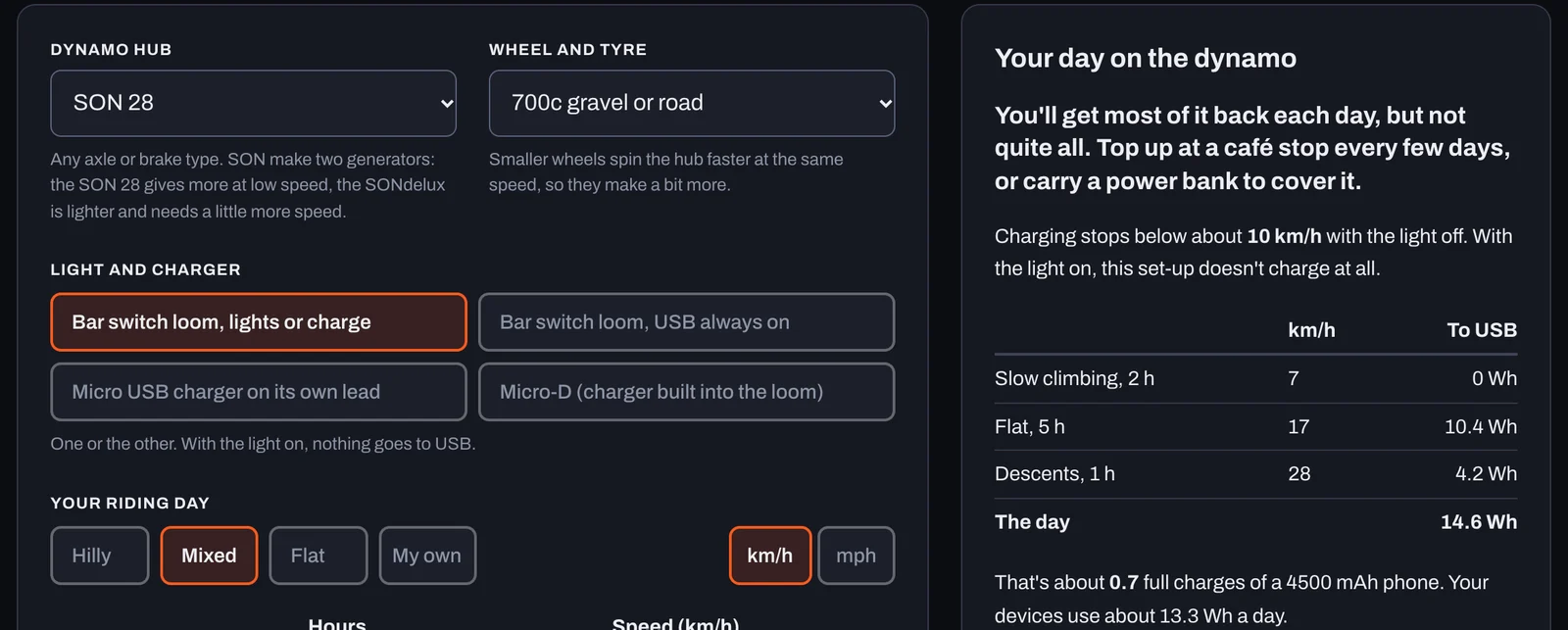
The parts to look at
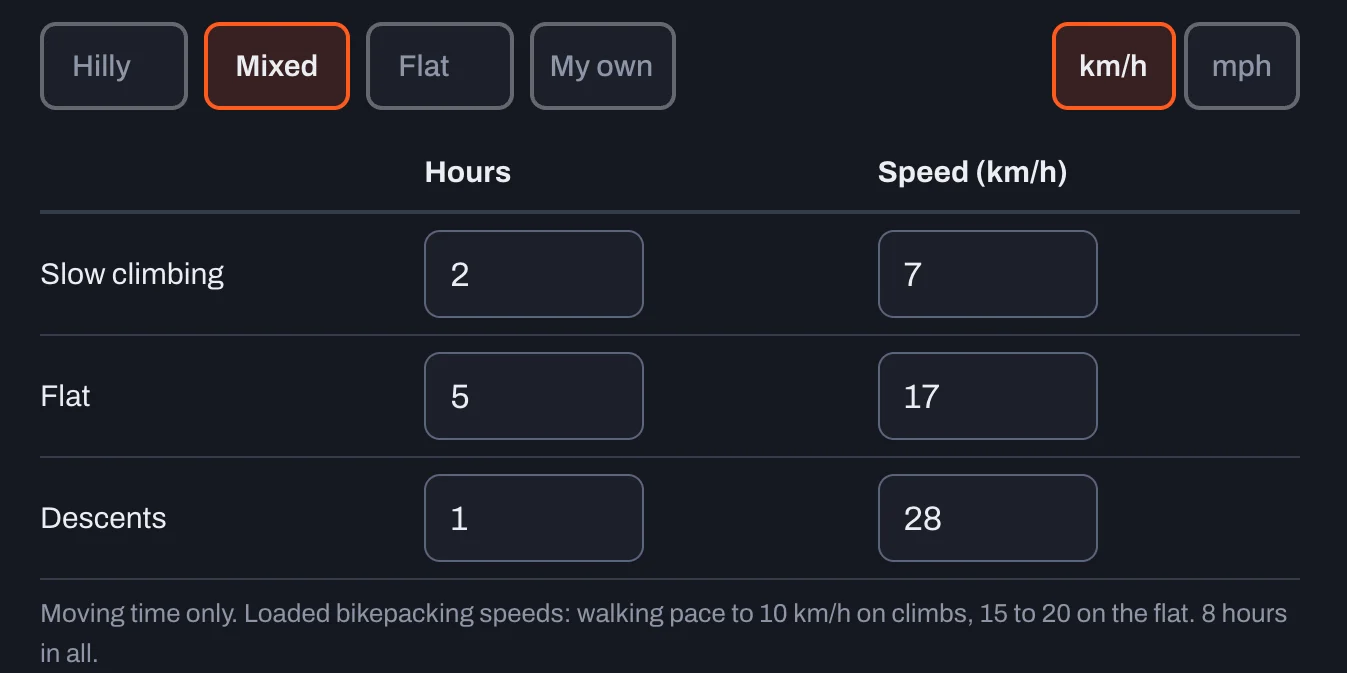
Your riding day
Hours and speed for slow climbing, flat and descents. Hilly, Mixed and Flat fill it in, or choose My own.
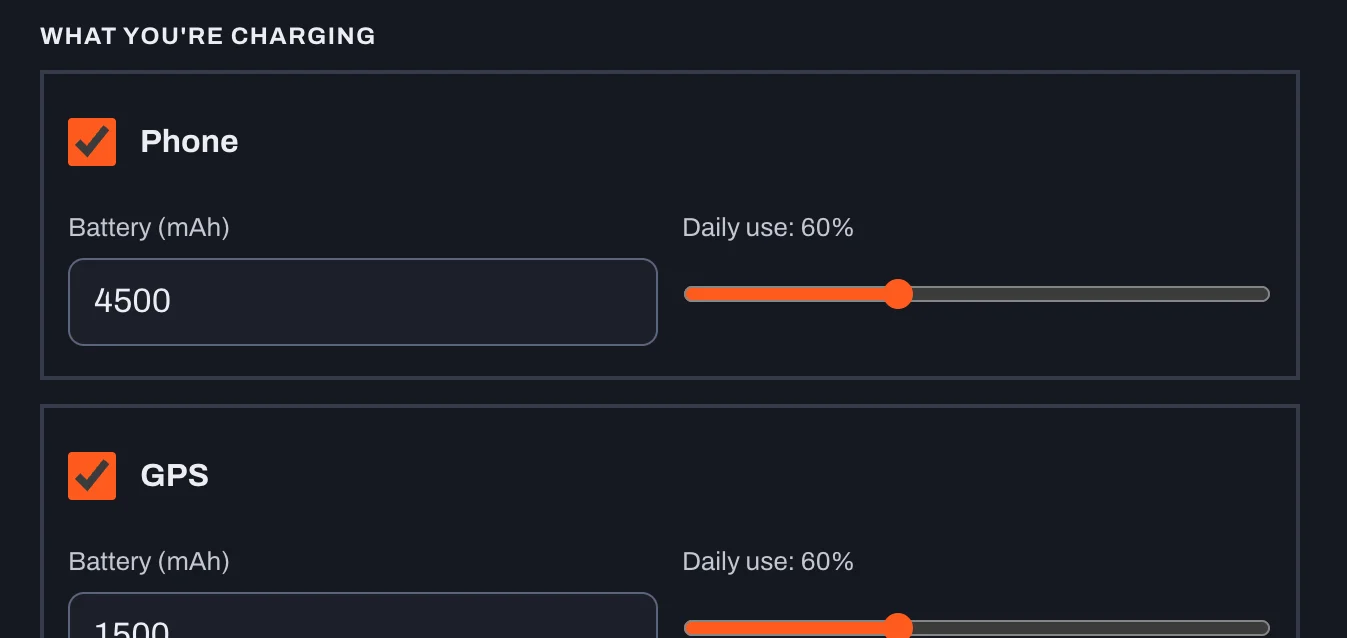
What you're charging
Phone, GPS and power bank, each with its battery size and how much of it you use in a day.
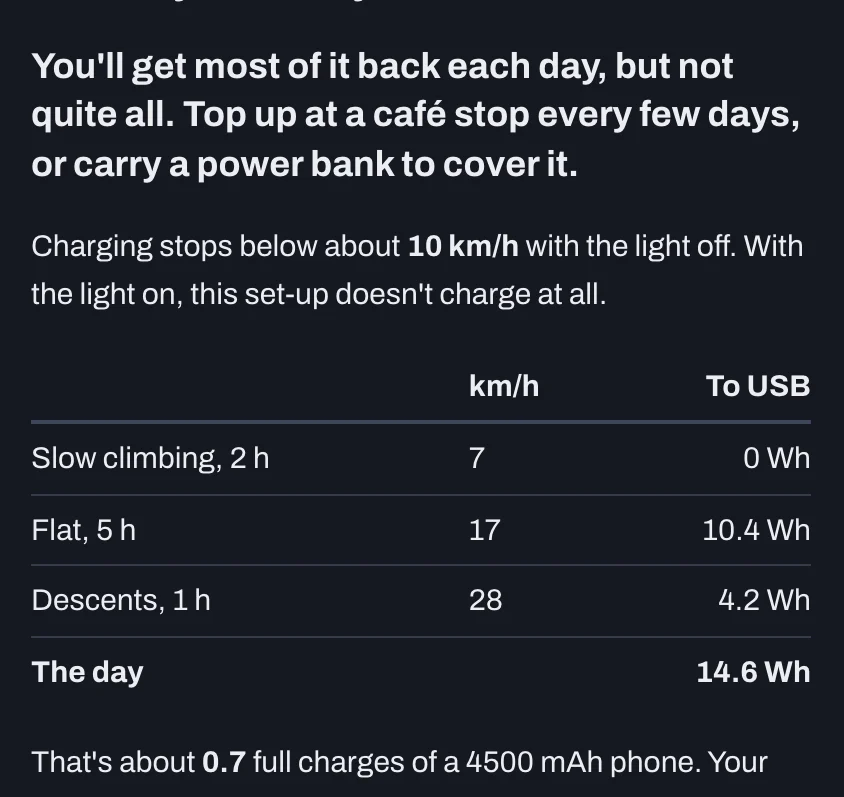
Your day on the dynamo
Whether it keeps up, the energy you get at each speed, and how many phone charges that is.
Filling it in
- Choose your dynamo hub and wheel size. SON 28 hubs give more at low speed; the SONdelux is lighter and needs a little more speed.
- Choose your light and charger set-up. The loom you have decides whether you can light and charge at the same time.
- Set your riding day. Pick Hilly, Mixed or Flat, or put in your own hours and speeds. Moving time only.
- Put in the hours with the light on, then tick what you're charging and set each battery size. Read the answer on the right.
What the answers mean
| It says | What it means |
|---|---|
| Plenty of charge | Half as much again as you use, with spare for a power bank |
| Just keeps up | About what you use, with not much to spare |
| Needs the power bank | Most of it back each day; your power bank covers the rest for two days or more |
| Nearly keeps up | At least 80% back each day. Top up at a café every few days |
| Won't keep up | Less than that. Plan a café stop to charge every day or two |
| No charging | At these speeds, or with the light on all day, nothing reaches the USB |
The four set-ups
| Loom | Light on |
|---|---|
| Lights or charge | No USB |
| USB always on | USB gets what's left |
| Micro on its own lead | No light on this hub |
| Micro-D | One or the other |
Tools
- Your battery sizes in mAh (printed on the battery or in the maker's spec)
- A recent ride on Strava or Komoot, for your real speeds
Things that catch people out
- Use moving speeds, not the average with stops. A loaded bike on a climb is often under 10 km/h, and that's where charging stops.
- Light on means less charge. With some looms nothing goes to USB while the light is on.
- Smaller wheels charge more at the same speed, because the hub spins faster.
- Charge a power bank, not your phone. Phones stop and start charging as the speed changes. A power bank smooths it out.
From the workshop
Put in your slowest, hilliest day, not your best one. If the answer says you'll be short, a power bank charged from the dynamo on the flat bits and the descents usually covers it. Copy the share link and send it to me if you want me to look at your set-up.
Michael
Book it inUSB chargers in the shop
See them all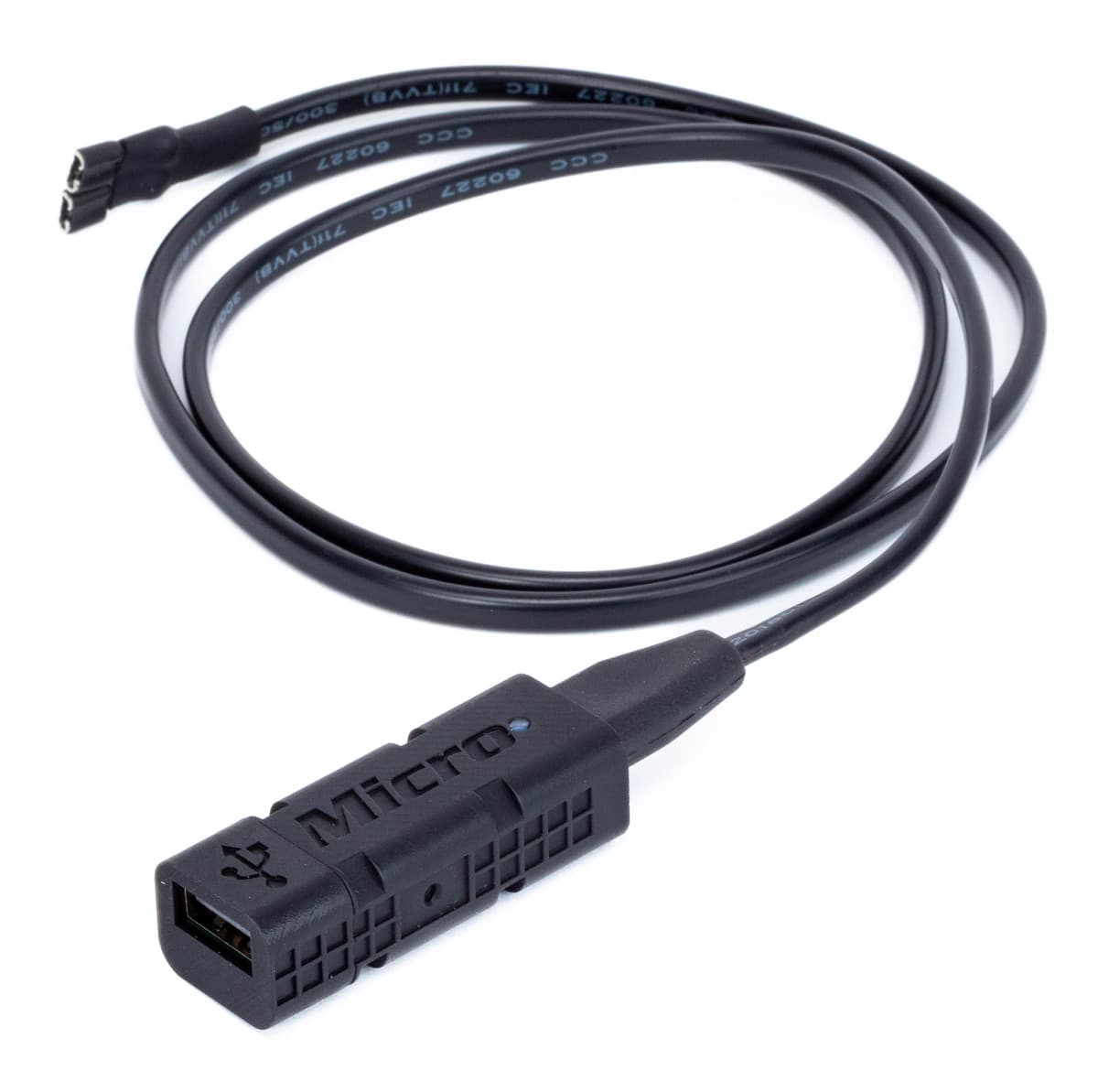
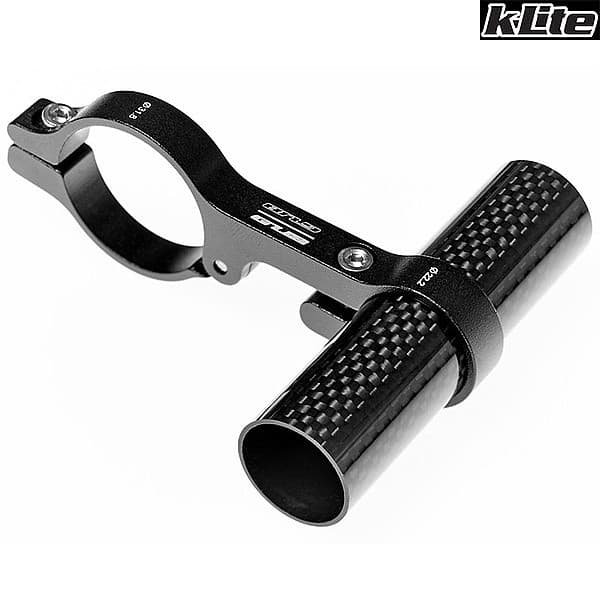
Not sure which fits? Send us your bike's make, model and year and we'll tell you.
Get the printable PDF
The same guide on two A4 pages, to print for the workshop or keep on your phone. Leave your email and we'll send the link. It unlocks every guide in the library on that device.
Already unlocked on this device? Download the PDF
This guide is general advice for home mechanics. Bikes and parts vary, so always follow the maker's instructions and torque settings for your parts. If you're not sure, or the job needs tools you don't have, ask a qualified mechanic. Travers Bikes can't be responsible for work you carry out yourself. Nothing here affects your legal rights. Sizes checked 17/11/2026 against the live dynamo calculator, SON's output curves and kLite's Micro charger chart.