

Lights and e-bikes 11.04
Dynamo rear lights
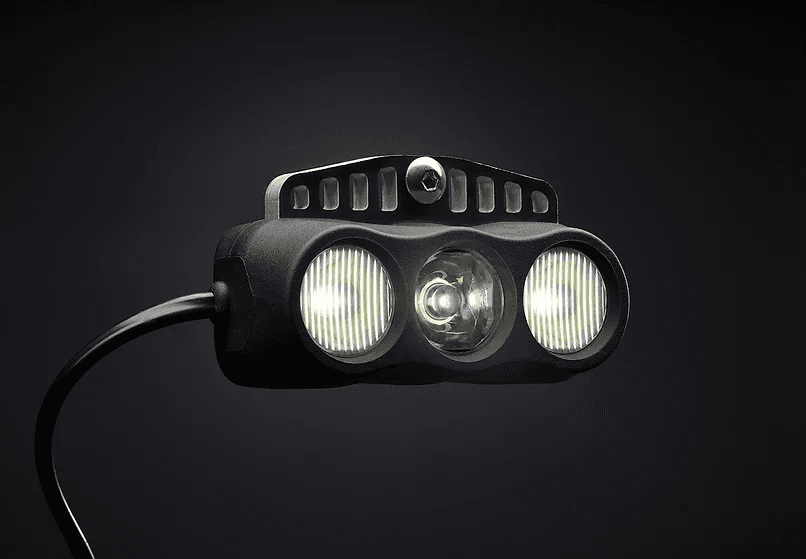
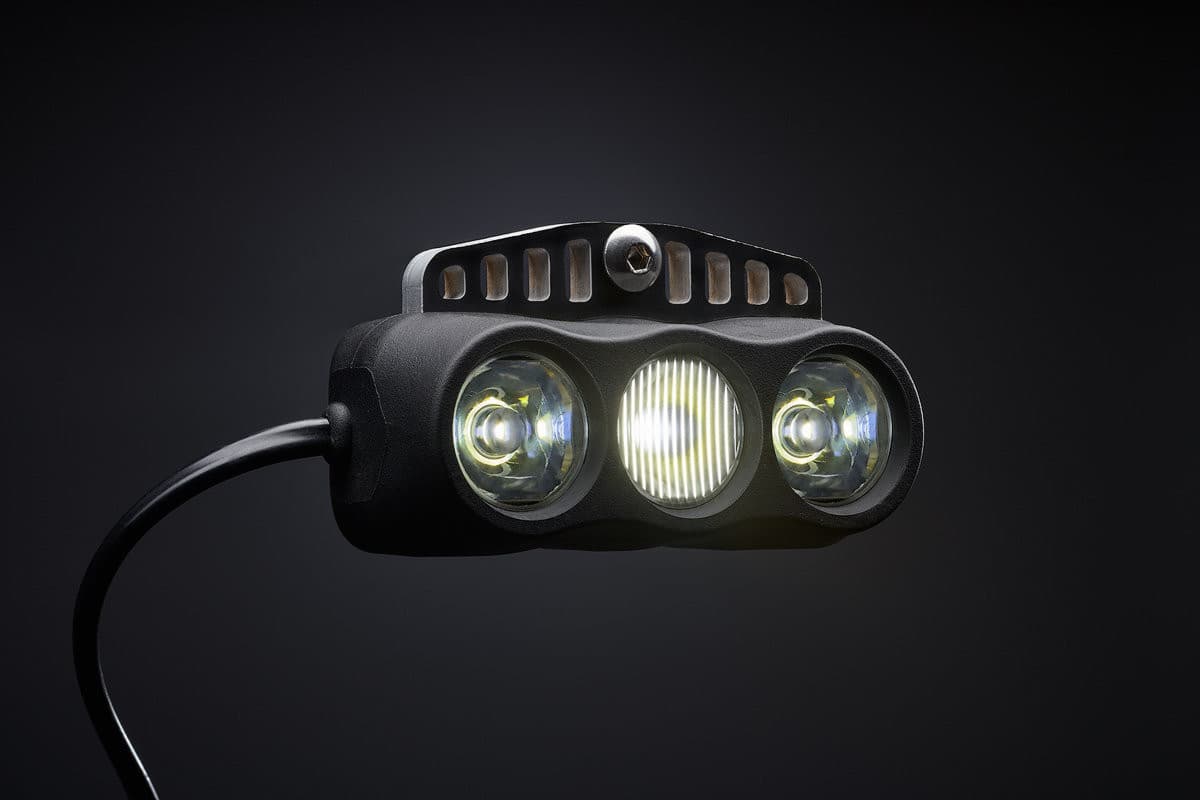
A rear light that runs off your dynamo means one less thing to charge. kLite make two: the QUBE, which runs from USB, and the QUBE AC, which runs straight from the hub. They look alike, but they need different wiring.
Get the printable PDF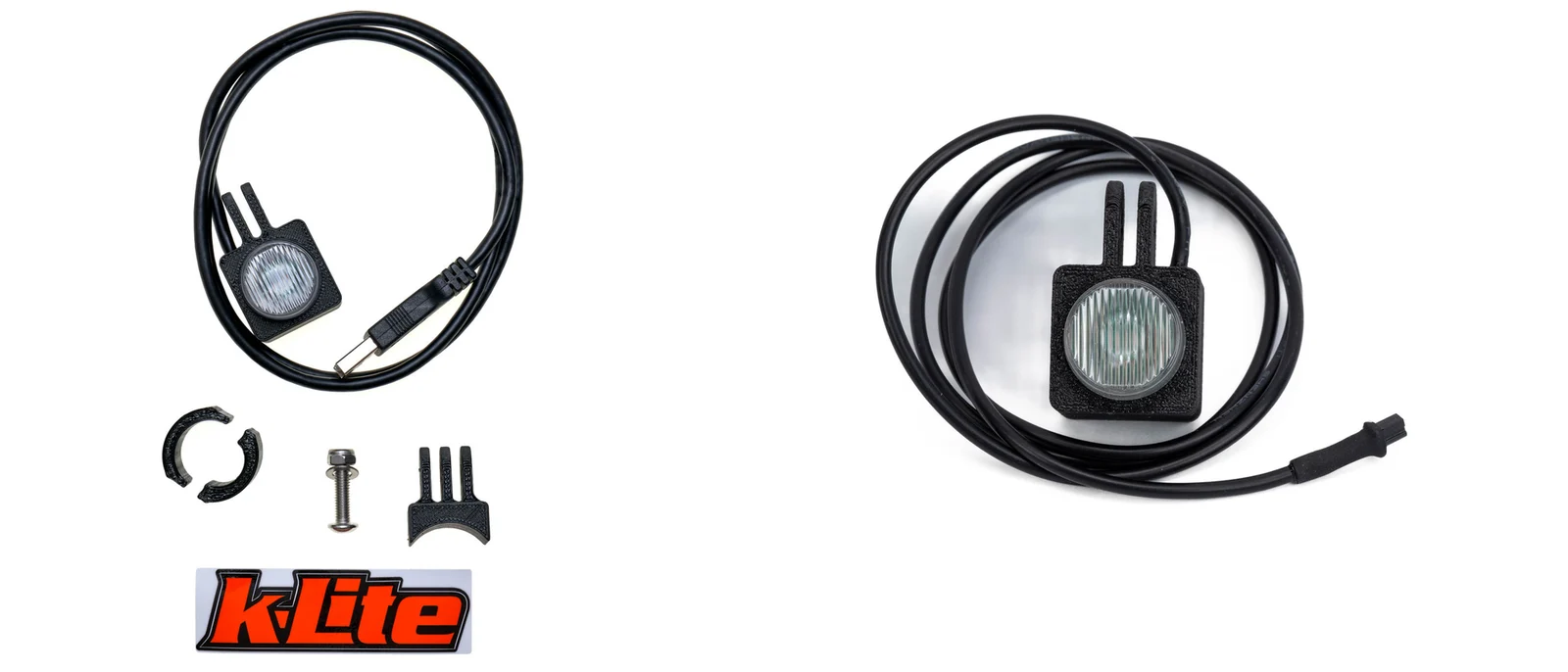
Two lights, two ways to power them
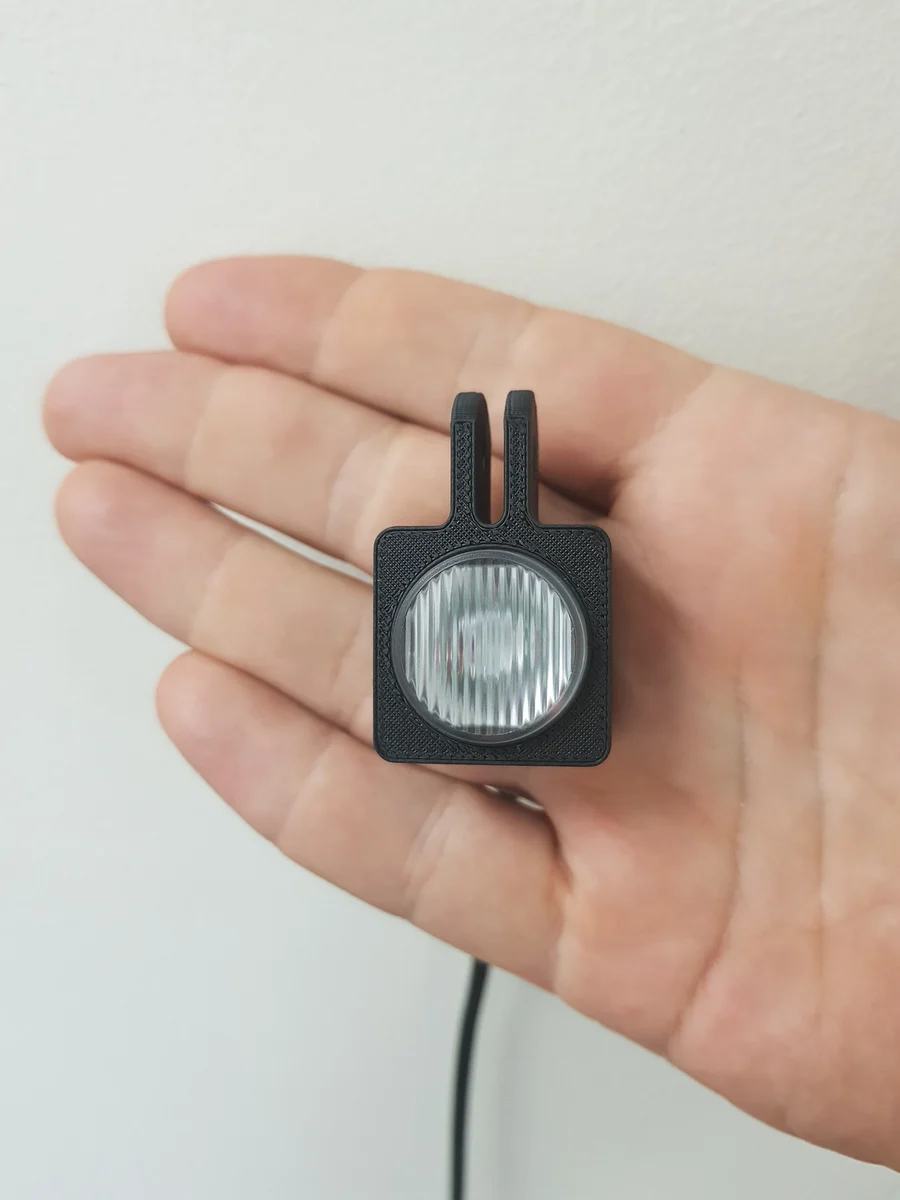
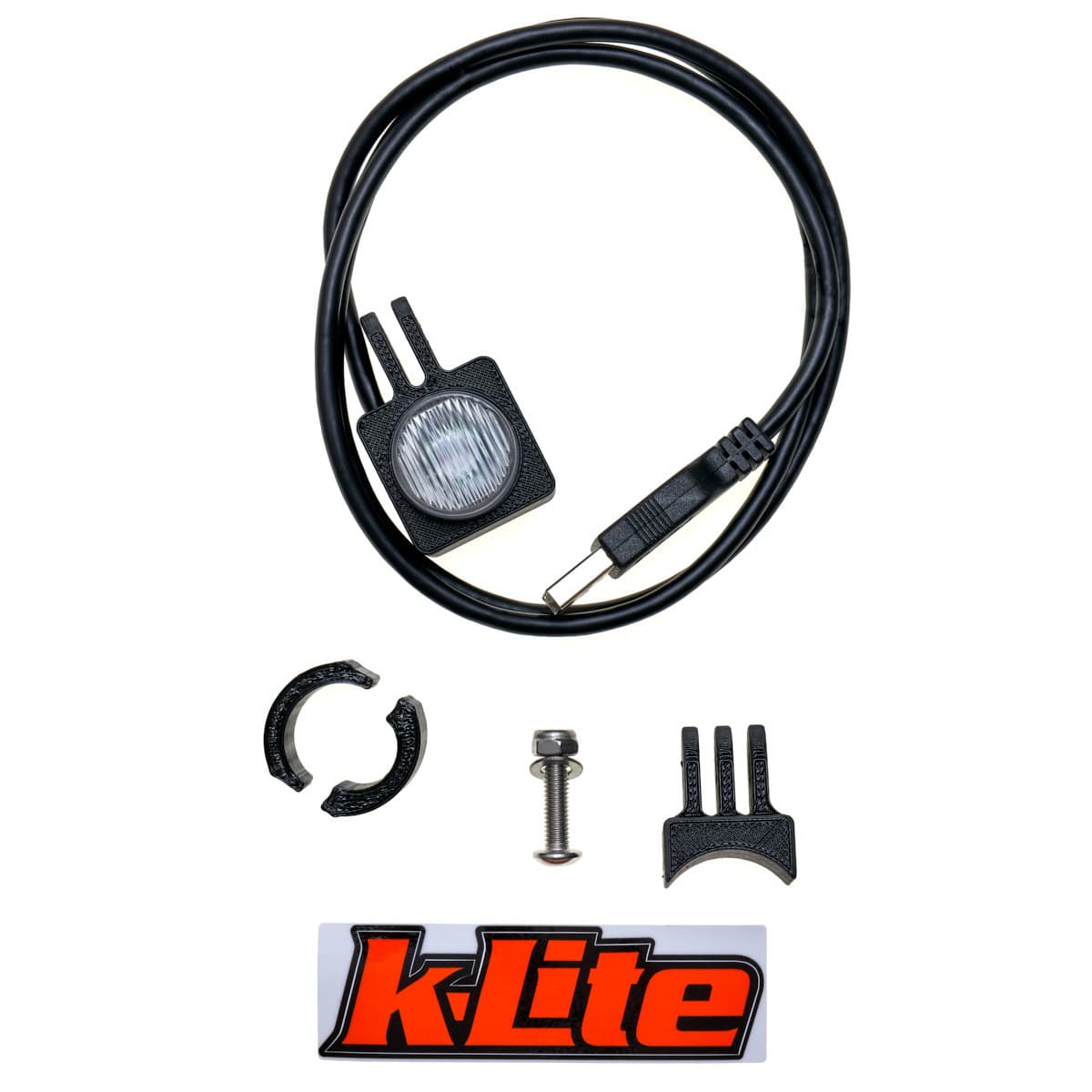
QUBE: USB powered
Runs from the USB socket on a kLite charger, or a power bank in low power mode. 180 degree beam.
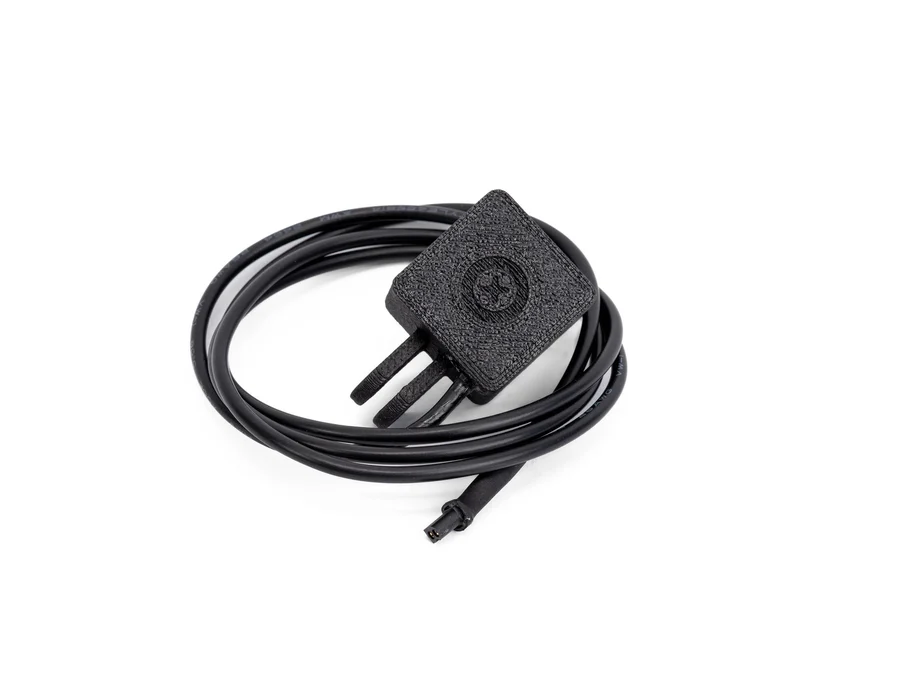
QUBE AC: from the hub
Runs straight from the dynamo, so it works with any dynamo system. Can run without the front light on.
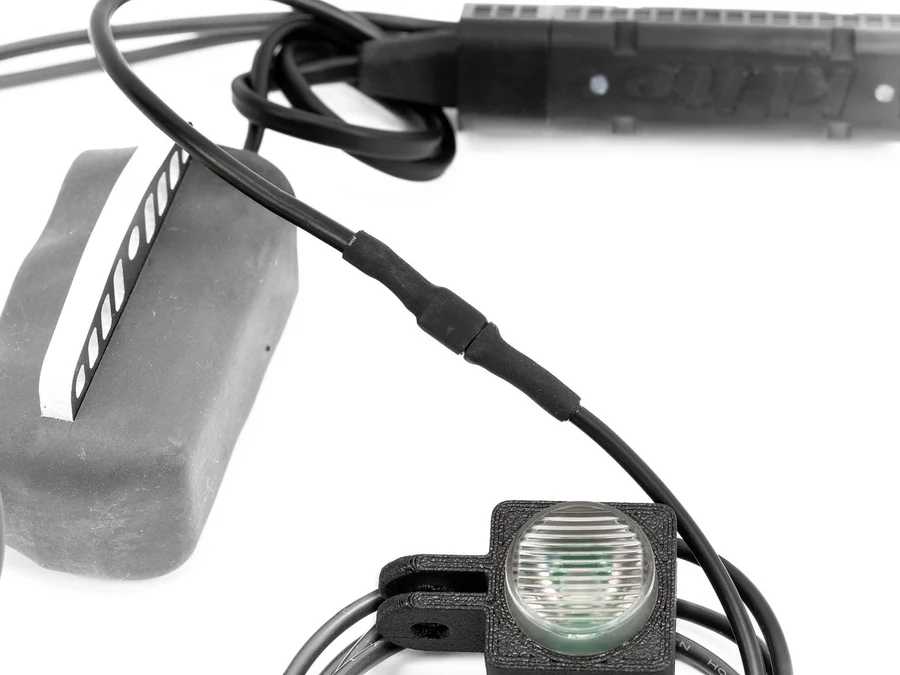
On the bike
A Micro-D with its A30 lead running back to the rear light.
Which one do I need?
- Already have a kLite USB charger? The QUBE plugs into it. Add a Y cable if you want to charge something else at the same time.
- Want it to run straight from the hub? Choose the QUBE AC with the A30 rear light loom, or a Micro-D.
- Choose the cable length. Standard is about 1 m, XL about 1.6 m. Measure the run from your loom to the seatpost before you order.
- Check the plug on the QUBE AC matches your loom before you order.
The two rear lights
| QUBE | QUBE AC | |
|---|---|---|
| Powered by | USB from a kLite charger, or a power bank | The dynamo hub, through an A30 lead |
| Modes | Steady or flashing, set with the supplied dongle | Slow flash, fast flash or steady, by a hidden button |
| Beam | 180 degrees, 40% brighter than before | Rear facing |
| Cable | About 1 m, or XL about 1.6 m | 1 m, or XL 1.6 m |
| Mounting | Mount parts in the box | Seatpost kit for three post sizes |
| Daytime | On with a USB always on loom, with the front light off | Can run on its own without the main light |
| Wiring | Any kLite USB charger or loom | A30 rear light loom or Micro-D |
From kLite's own product listings.
Things that catch people out
- They aren't swappable. The QUBE needs USB, the QUBE AC needs an A30 lead from the hub.
- The QUBE AC isn't for the ULTRA combo USB charging kit. Use the A30 loom or the Micro-D.
- The QUBE uses very little power, so on a Y cable it doesn't take much from whatever else you're charging.
- Run the cable along the frame, away from the tyre, the brake and anything that moves. Leave a loop at the seatpost.
Tools
- Allen key for the seatpost mount
- Zip ties
- Frame tape where the cable rubs
From the workshop
If you're starting from scratch, the QUBE AC on the A30 loom is the tidiest set-up: it comes on when you ride and you never think about it. If you've already got a kLite USB charger, the QUBE is the easy add-on.
Michael
Book it inkLite lights in the shop
See them all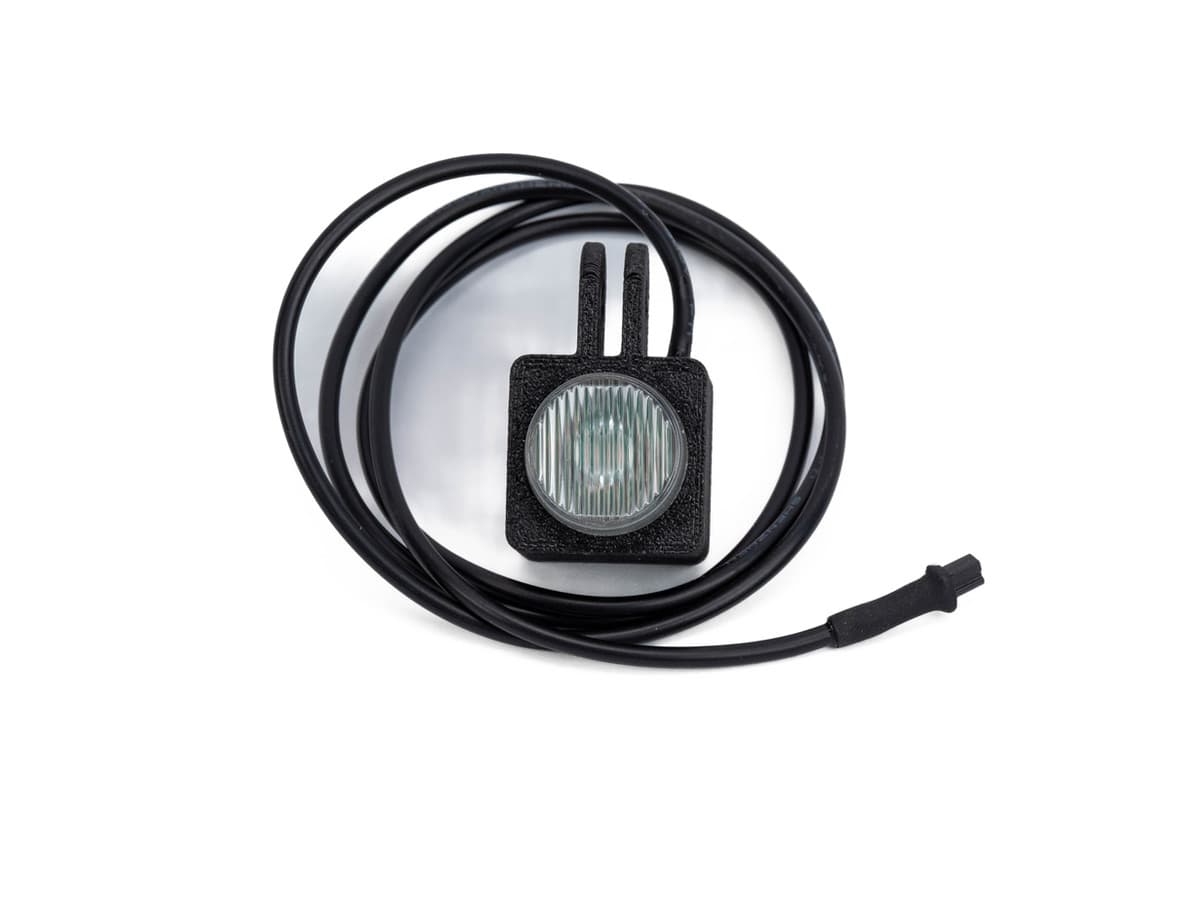
Not sure which fits? Send us your bike's make, model and year and we'll tell you.
Get the printable PDF
The same guide on two A4 pages, to print for the workshop or keep on your phone. Leave your email and we'll send the link. It unlocks every guide in the library on that device.
Already unlocked on this device? Download the PDF
This guide is general advice for home mechanics. Bikes and parts vary, so always follow the maker's instructions and torque settings for your parts. If you're not sure, or the job needs tools you don't have, ask a qualified mechanic. Travers Bikes can't be responsible for work you carry out yourself. Nothing here affects your legal rights. Sizes checked 17/11/2026 against kLite's own product listings.